AI Options for Creating Page
Help IndexMultiple ways to create page
- Use ChatGPT, or your favorite Model: Describe your page to the Model, let AI create the HTML, then Paste the results into Contentr's Editor with AI Paste button
- Use Contentr's model: Click AI Create Page button, type, or Paste your headings, titles and text. Let Contentr decide which of our built in Templates to use for your page. Preview the page, then save in the Editor.
- Pdf Converter: Click the Create from PDF, select your PDF file, click Convert from PDF. Preview the page, then save in the Editor.
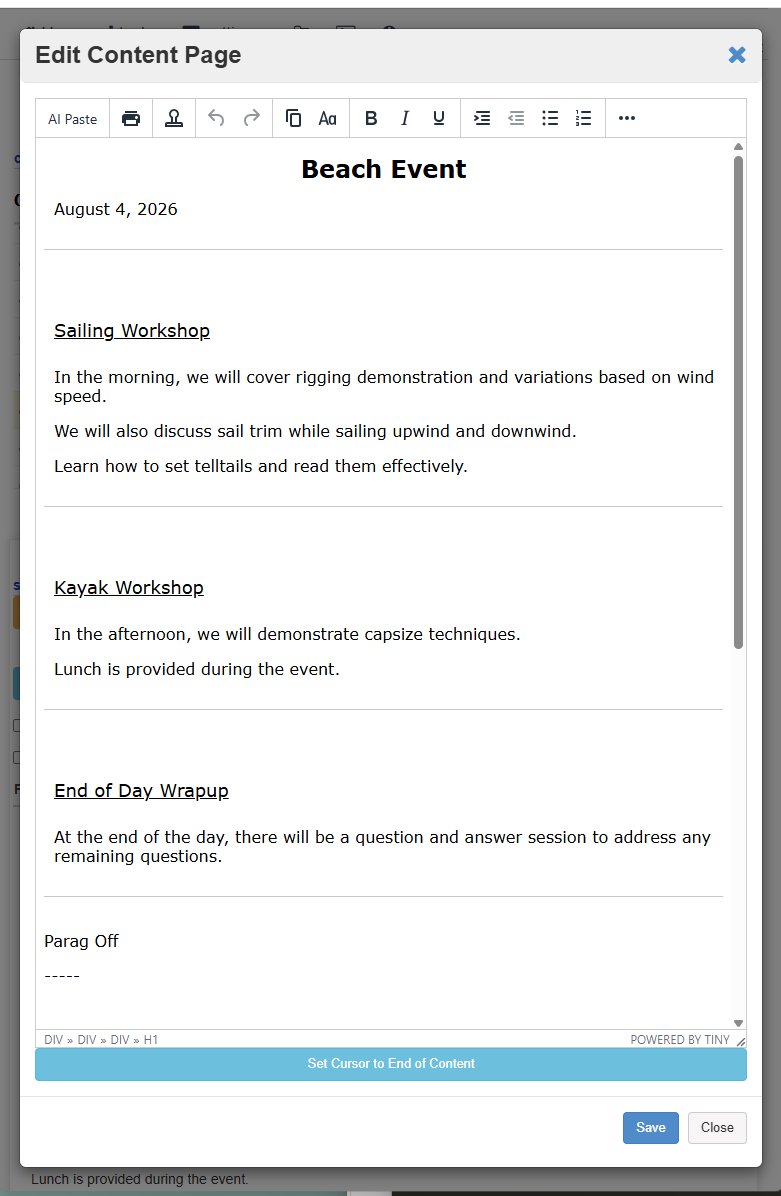
- Use HI: Use your Human Intelligence to type or paste your page text directly in the Editor, optionally insert templates from the Editor menu. Then save.
- Edit: You can edit the generated page from any of the above methods, then Save it.
- Now Share It: Click the show links setup button, grab the link and share it anywhere: Facebook, X, Email, Text, or add the link to an existing Website. Since its HTML it will look great on any device, any size.
Create, Update, Manage your pages
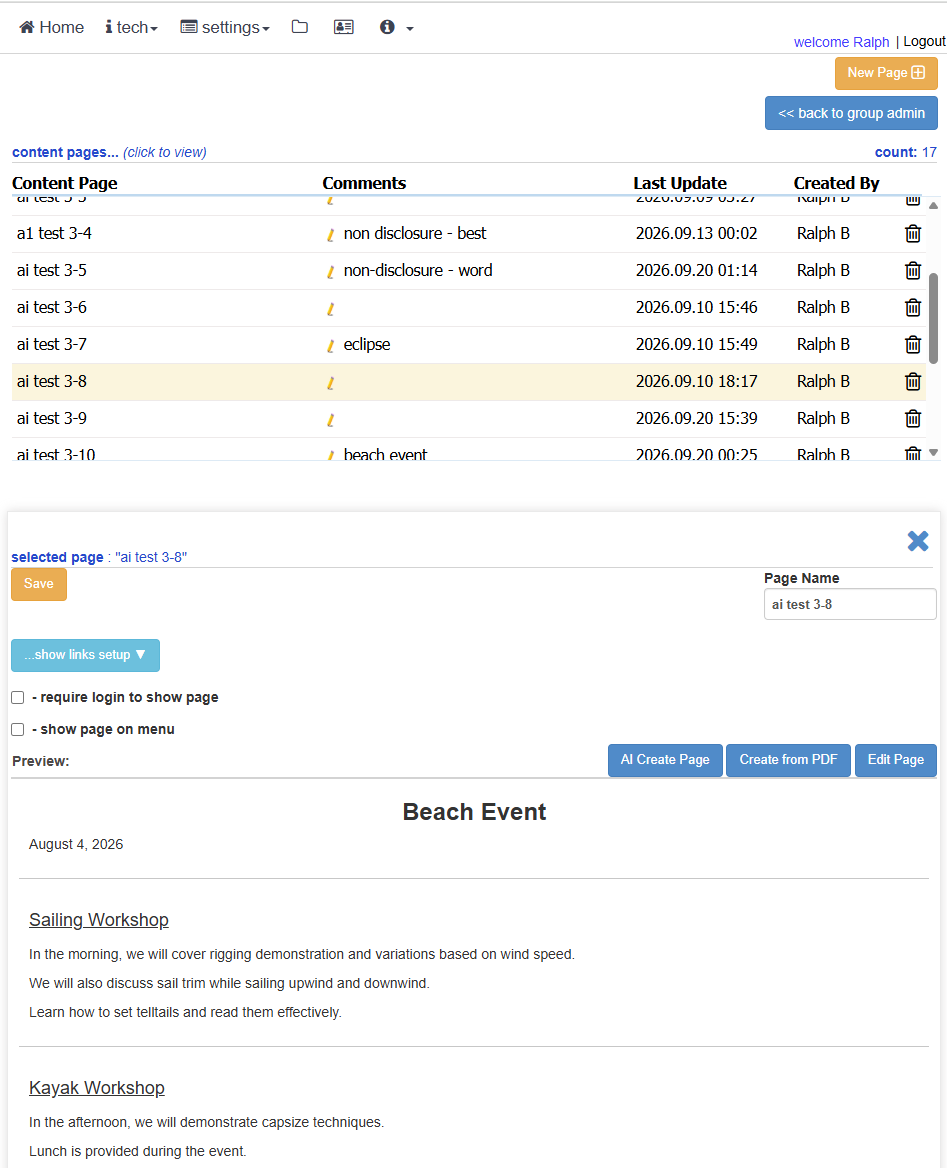
Page Editor